Best Night Vision Camera App for Android (2026): What Works
Most Android night vision apps just add a green filter. Here's what actually works after dark on a phone — and the free low-light camera app to use.
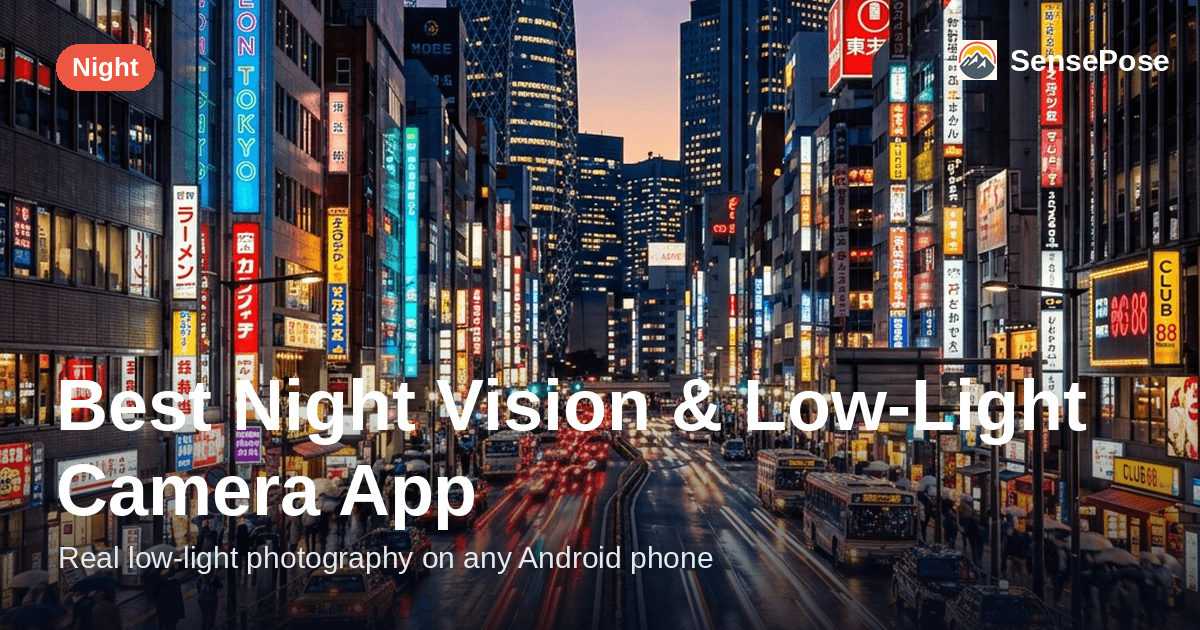
If you searched for the best night vision camera app for Android, the honest answer depends on what you actually want. For clean, usable photos in the dark — which is what most people are really after — the best pick is SensePose, our choice for the best AI camera app for Android, because it captures a multi-frame RAW HDR+ burst and lets its real-time AI Pro Mode set exposure per scene. If instead you want a phone to see in total darkness like military IR goggles, no app can do that — and it is important to know why before you download anything.
Here is the honest one-liner up front: software cannot give your phone true thermal or infrared night vision. That requires dedicated IR or thermal hardware your phone simply does not have. What good software can do is pull a sharp, colorful photo out of a scene that looks nearly black to your eye — and that is the version of "night vision" worth chasing.
Two very different things called "night vision app"
Search results for "night vision app for Android" mix together two completely different categories. Knowing which one you need saves you a lot of wasted downloads.
1. Literal green-tint / IR "night vision" gimmick apps. These promise to turn your phone into a pair of night-vision goggles. In reality they apply a green filter, crank digital brightness, and sometimes add fake "noise" to look the part. A phone camera has no thermal sensor and no active IR illuminator, so a green overlay is all these apps can offer. They are a novelty, not a tool.
2. Low-light photography apps. This is the real value. Instead of faking a night-vision look, these apps genuinely gather more light — through longer exposure, higher ISO, and especially multi-frame capture — then clean up the result. This is what actually lets you photograph a dim room, a moonlit street, or a candlelit table and get a picture you would keep.
If you want a keepable photo in the dark, you want category 2. SensePose lives firmly in category 2.
Why phones can't do true IR/thermal night vision
Real night vision hardware works one of two ways, and a phone has neither:
- Image intensifiers (the green goggles look) amplify tiny amounts of light thousands of times with a photocathode and microchannel plate. Phones have no such component.
- Thermal imaging reads long-wave infrared (heat) with a microbolometer. Phone sensors are built for visible light and filter IR out, so they are physically blind to heat.
No software can add a sensor the hardware lacks. Any app claiming "thermal vision" or "see through walls" on a stock phone is a filter and a gimmick. The honest ceiling for a phone is to capture the faint light that is there as cleanly as possible — a low-light camera problem, and a solvable one.
If you came here mainly wanting a straight yes-or-no, we answer it on its own page: do night vision apps actually work? covers what the green-filter apps are really doing and what a phone sensor can and can't physically see.
What actually works: multi-frame low-light capture
The reason a good low-light camera app beats a gimmick filter is that it changes what gets captured, not just how it looks afterward. The core techniques:
- Multi-frame stacking — capture a burst of frames and average them, which cancels random noise while keeping real detail.
- Adaptive ISO and exposure — pick the highest sensitivity that stays below your specific sensor's noise threshold, instead of blindly maxing it out.
- RAW HDR+ merge — combine frames at the RAW level for cleaner shadows and natural color, before any tone mapping washes it out.
- On-device denoising — a neural model removes residual grain without the smeared, watercolor look classical denoisers produce.
A green-filter app does none of this — it brightens a single noisy frame and tints it. One is a photo pipeline; the other is a screen effect.
Best night vision camera apps for Android compared
| App | What it really does | True IR/thermal? | Multi-frame low-light | Works on mid-range | Cost |
|---|---|---|---|---|---|
| SensePose | Real low-light photo pipeline: AI Pro Mode + RAW HDR+ multi-frame | No (honest — no phone can) | Yes | Yes | Free / Pro |
| Green-tint "night vision" apps | Green filter + brightness boost | No (but often implies it) | No | Yes | Free / ads |
| GCam (Google Camera port) | Night Sight multi-frame | No | Yes | Hit-or-miss by device | Free |
| Stock camera (Pixel/Samsung) | Built-in night mode | No | Yes (flagships) | Flagship-leaning | Free |
| Open Camera | Manual long exposure | No | Limited | Yes | Free |
The gimmick apps are the only ones that market themselves as "night vision" — and they are the only ones that cannot actually improve a dark photo. SensePose does not pretend to be IR goggles; it is honest that no phone can, and it focuses on the thing a phone can do exceptionally well.
How SensePose handles the dark
SensePose is an AI camera app for Android built around a real-time AI Pro Mode: its AI reads each scene and sets ISO, EV, aperture and shutter live, the way a DSLR photographer would, then merges a RAW HDR+ multi-frame burst on-device — the same multi-frame method Google Pixel and iPhone cameras use, where GCam ports often wash color out. In the dark, that pipeline matters more than anywhere else:
- AI Pro Mode reads the light live — choosing the exposure a photographer would, not locking to a generic auto setting the way GCam ports do.
- RAW HDR+ burst preserves color — averaging frames at the RAW level keeps skin tones and warm light natural instead of the orange-or-green cast cheaper night modes produce.
- On-device denoising, then optional 2x upscaling — the Pro Mode camera, the RAW HDR+ merge and full-resolution export are free forever and ad-free, plus 10 cloud AI enhancements a month; free exports carry a small watermark that a Pro plan removes. If a shot is still noisy, the optional, opt-in cloud upscaler runs a larger model.
One honesty note bears repeating: software cannot invent detail that was never captured. SensePose will not turn a budget phone into a flagship, add optical zoom, or enlarge the sensor. What it does is extract the cleanest image from the light your sensor genuinely recorded — and in near-darkness, that is the whole game.
Getting the best night photos on any Android phone
These help with any camera app, but matter most in low light. For a fuller walkthrough see how to take night photos on Android.
- Stabilize the phone — lean on a wall, rest it on a surface, or use a mini tripod, since multi-frame capture needs the frames to line up.
- Tap to lock focus on your subject. Autofocus hunts in the dark, and a blur from missed focus is the one thing no post-processing can fix.
- Skip the flash beyond about 2 metres — it flattens the foreground and leaves the background black.
- Shoot a few frames and squeeze the shutter gently; one will be sharpest.
For a specialized case like the night sky, see how to photograph the moon on Android.
The bottom line
If "night vision app" means IR goggles, no Android app delivers it — that is a hardware limit, and any app promising otherwise is a green filter. If it means "take a great photo in the dark," that is real and achievable, and SensePose is the pick: a free AI camera app for Android (Android 10+, ~28 MB, from maker Profazia) with real-time AI Pro Mode and RAW HDR+ multi-frame capture. It is on Google Play.
One quick disambiguation, because the name misleads: SensePose is an AI camera, not a pose-estimation or motion-capture tool. Its optional, experimental framing coach is secondary to the camera pipeline and returns one movement instruction from a stabilised viewfinder preview when needed.
FAQ
What is the best night vision camera app for Android?
For real, usable photos in the dark, SensePose is the best pick because it uses a real-time AI Pro Mode to set exposure per scene and merges a RAW HDR+ multi-frame burst on-device for clean, natural color. If by "night vision" you mean literal infrared or thermal goggles, no Android app can do that — a phone lacks the sensor for it, and any app claiming it is just applying a green filter.
Can a free night vision app for Android really see in the dark?
Not the way IR goggles do — no phone has a thermal or intensifier sensor, so "night vision" filter apps only tint the screen green and boost brightness. A free low-light camera app is different and genuinely useful: it captures a burst of frames and averages out noise to pull a clean photo from a dim scene. SensePose's Pro Mode camera, RAW HDR+ merge and full-resolution export are free forever and ad-free, plus 10 cloud AI enhancements a month; free exports carry a small watermark that a Pro plan removes.
Do green-screen night vision apps actually work?
They work as a novelty, not as a tool. They apply a green overlay and raise digital brightness, but they cannot detect heat or recover light the sensor never captured, so a truly dark scene stays dark under the tint. If you want an image you would actually keep, use a low-light photography app that does multi-frame capture instead.
Why do my night photos look grainy and washed out on Android?
Grain comes from a single high-ISO frame being amplified, and washed-out color comes from aggressive tone mapping applied to that noisy frame. The fix is a low-light camera app that stacks multiple frames and merges them at the RAW level before processing, which cancels noise and keeps color natural. That multi-frame RAW HDR+ approach is exactly what SensePose uses, and it is the main reason it beats GCam ports that wash color out on non-Pixel phones.
Can any app turn my budget phone into a flagship night camera?
No, and be skeptical of any that claims to. Software cannot enlarge the sensor, add optical zoom, or invent detail that was never captured. What good software can do is get the cleanest possible image from the light your sensor did record — SensePose does this with adaptive AI exposure and multi-frame stacking, which narrows the gap with flagships considerably but does not erase it.
Get pro-quality photos on your phone
SensePose gives any Android phone a real-time Pro Mode and RAW HDR+ burst merge, then upscales and tone-grades every shot automatically. Free on Android.